
Step-by-step: what happens after you install the extension
Step 1 — Install the extension in your Chromium browser
Prompt Generator works in Chrome and other Chromium-based browsers. Install it from the Chrome Web Store, pin the icon to your toolbar, and you are ready to go. No extra accounts, dashboards or complex setup required.
Step 2 — Describe your task in your own words
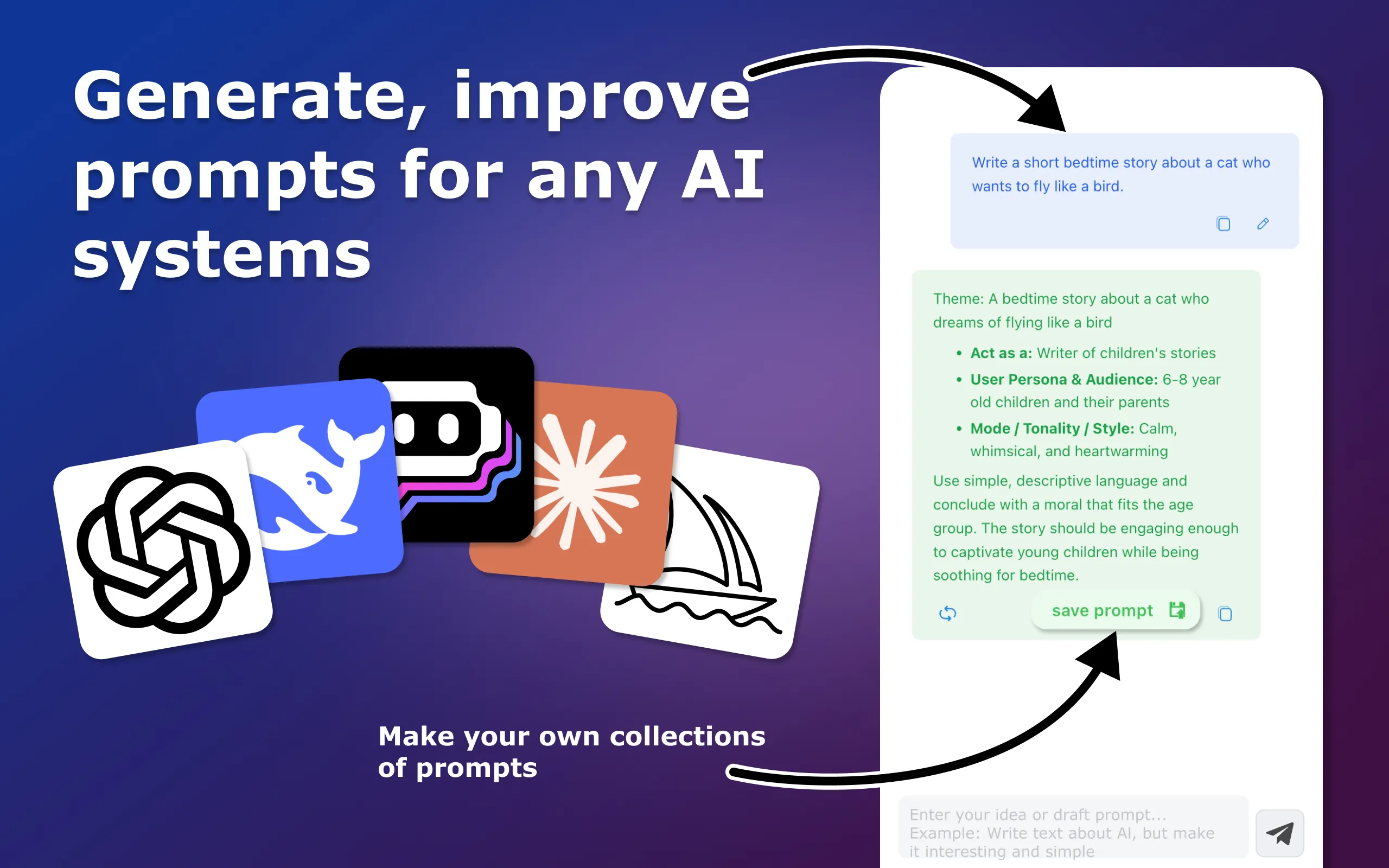
Open the extension and type what you want in plain English (or any language you prefer). You can be informal and short:
Step 3 — AI agents analyse and understand your request
When you click “Generate”, your request is sent to our service where a set of AI agents starts working:
Step 4 — Agents apply prompt-engineering playbooks
Next, the agents use task-specific instructions — our prompt-engineering playbooks. These playbooks describe how to build effective prompts for different scenarios:
Step 5 — You get a ready-to-use, structured prompt
The extension returns a cleaned-up, optimised prompt inside the Prompt Generator interface. It is already formatted for AI tools, with clear roles, steps and constraints, for example:
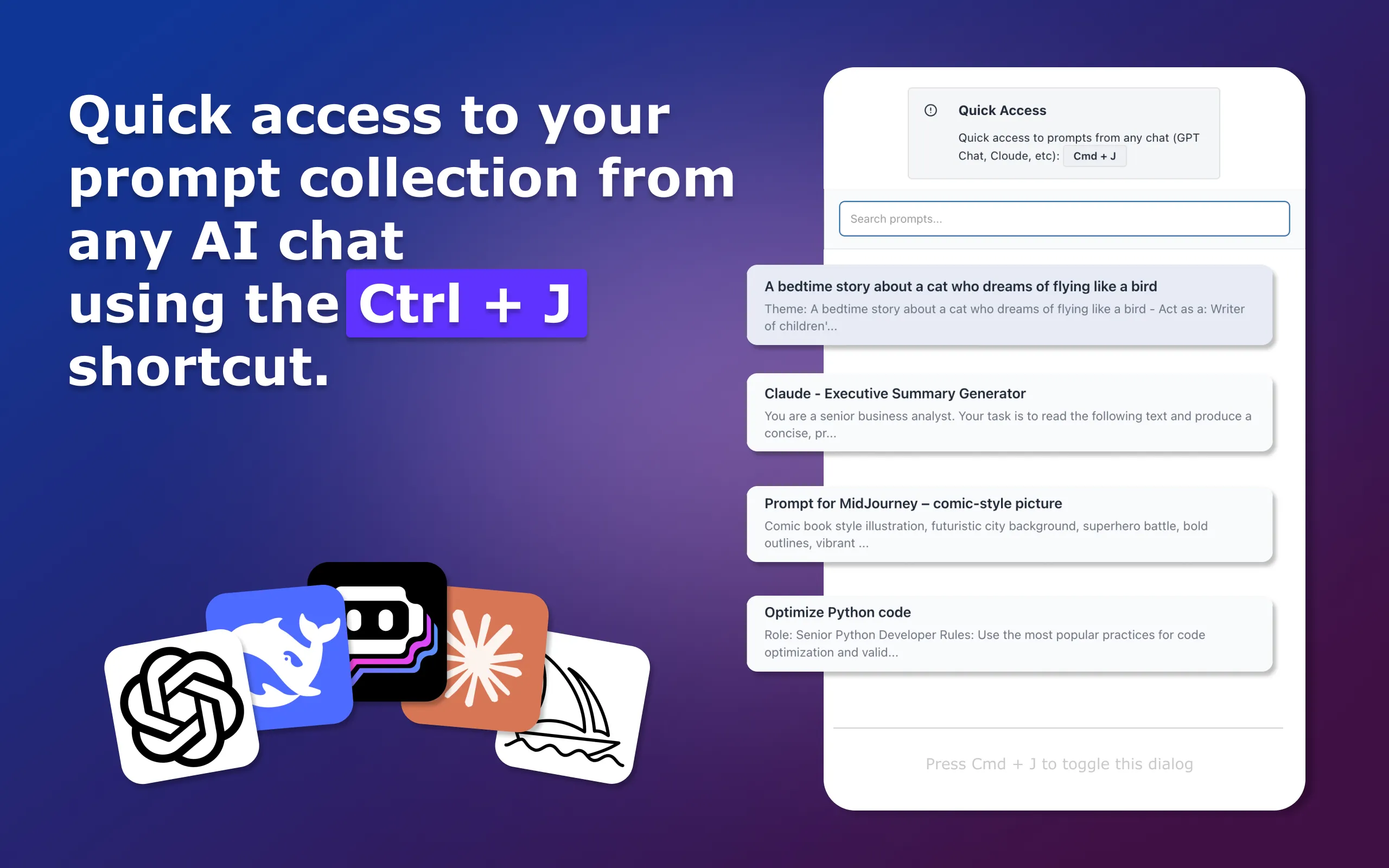
Step 6 — Refine, copy, insert or save to your collection
If something is missing, you can add more details in your own words and regenerate. Each time you clarify your request, Prompt Generator updates the prompt while keeping the structure intact.