
Examples
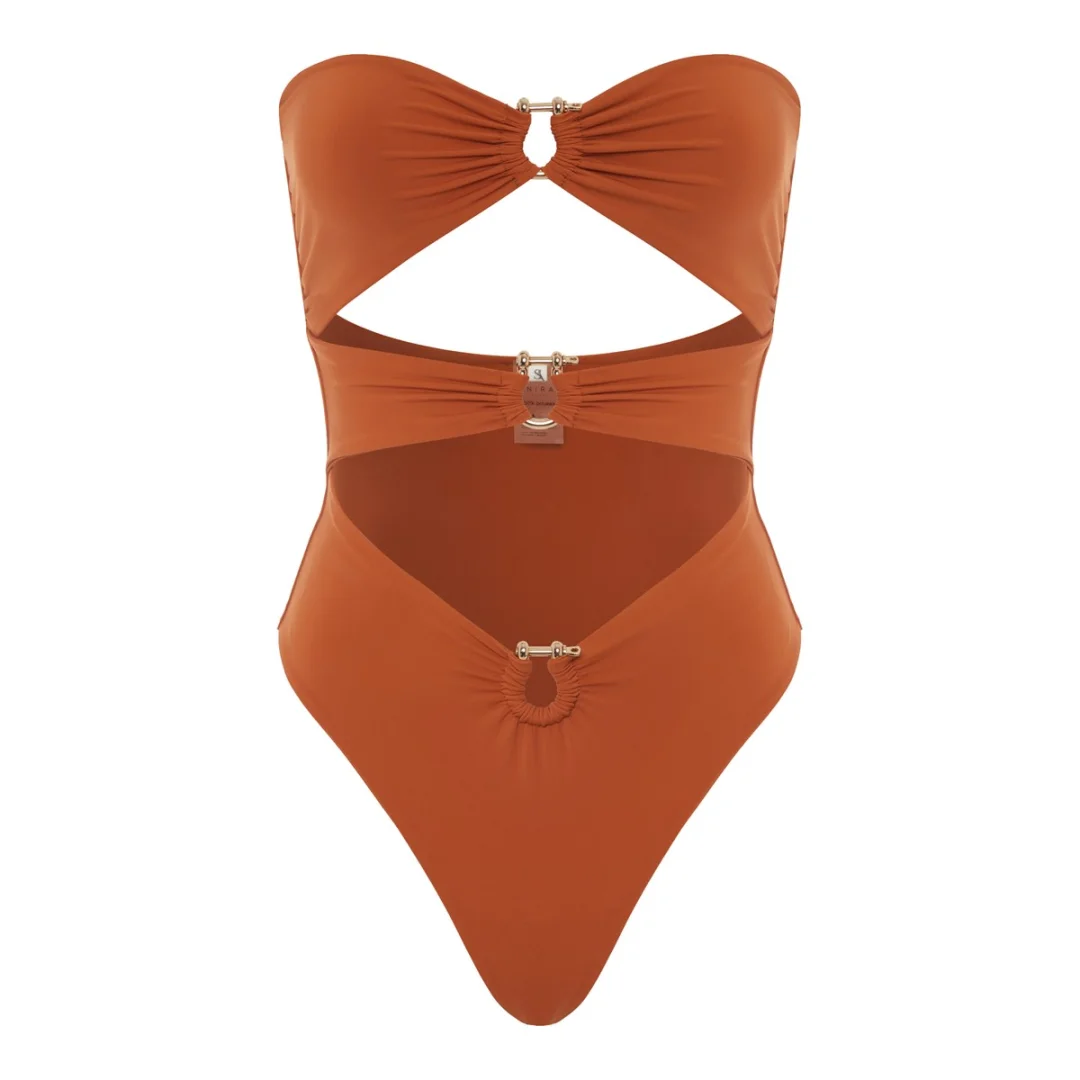


Universal Product Ad Grid
UNIVERSAL PRODUCT AD GRID - 6 FIXED ANGLES - 9:16 - FROM UPLOADED OBJECT

Inputs:
- OBJECT_REFERENCE_IMAGE: upload your product
- ASPECT_RATIO: 9:16
- GRID: 2 columns x 3 rows
- CAMPAIGN_TONE: HIGH_FASHION_EDITORIAL | CLEAN_ECOM | DARK_LUXE | PLAYFUL_POP | INDUSTRIAL_TECH
- BACKGROUND_MODE: STUDIO_SEAMLESS | EDITORIAL_SET
- SURFACE_STYLE: ACRYLIC_GLOSS | MATTE_STONE | SOFT_FABRIC | GLASS | METAL
- LIGHTING_PRESET: SOFTBOX_CLEAN | CHIAROSCURO_DRAMATIC | RIM_LIGHT_LUXE | WINDOW_DAYLIGHT
- PROP_INTENSITY: NONE | SUBTLE | STYLED
- SPECIAL_EFFECTS: NONE | DUST_PARTICLES | WATER_DROPLETS | SILK_DRAPES

Goal:
Create one single 9:16 image containing a 6-cell 2x3 grid of luxury ad-style shots of the exact same product from the reference image.

Hard rules:
- Same object in every cell: same shape, label, materials, marks, and color.
- No redesign, no fake added typography, no awkward crops.
- One coherent lighting world across all six cells.
- Clean grid spacing and separators.
- Photoreal product photography, not CGI.

Fixed grid order:
1. Hero 3/4
2. Side/Profile
3. Top-Down Flat Lay
4. Macro Detail
5. Human Interaction / Scale
6. Floating / Deconstructed Premium

Generate one polished final grid.
This prompt solves a common AI product-photo problem: every angle starts to look like a different object. By forcing all six views into one grid, you get more stable geometry, lighting, and materials, then tune the final look with tone, surface, and lighting presets.
Best for:
Product launch mockups
E-commerce image systems
Fast multi-angle ad concepts
How to use:
Upload a product photo in the form below 👇
Click "Generate"